Export and import acronyms' definitions
|
|
Top Previous Next |
|
Export and Import functions allow you to save your custom acronyms and their definitions into the file with .acro extension. This is very helpful feature, if you have the large list of custom acronyms and do not want to lose them.Or if want to share your custom acronyms with someone.
To export your custom acronyms and definitions into the .acro file, do the following:
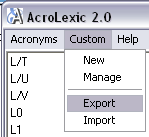
1) Select menu Custom > Export option:
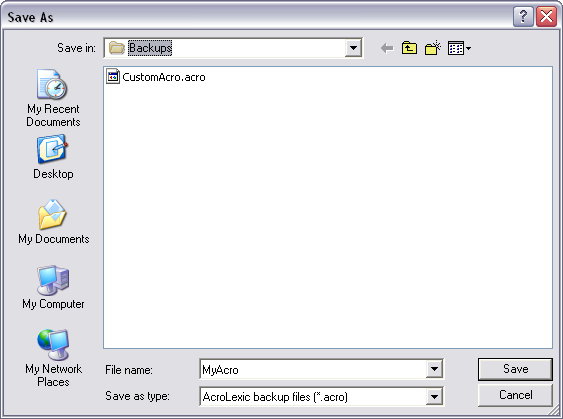
Save as dialog will open:
2) Enter the name for future .acro file. 3) Click Start button to start export of your custom acronyms or click Cancel button to close the window.
To import the acronyms from existing .acro file please do the following:
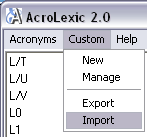
1) Select menu Custom > Import option:
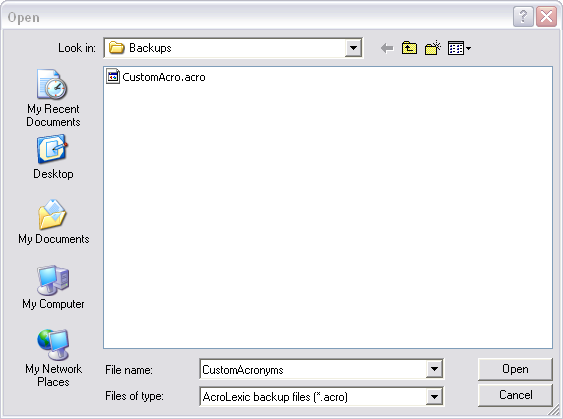
2) Select one of the files in the Open dialog:
3) Click Open button to start import of your custom acronyms or click Cancel button to close the window
|