Searching an acronym's definitions
|
|
Top Previous Next |
|
AcroLexic allows you to find acronyms' meaning fast and effectively. You can use one of the following searching methods:
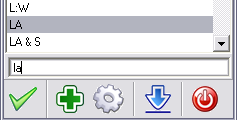
An incremental search starts by sorting out the database as soon as you type-in the first characters of the acronym (when you type the first letters all records starting with that string entered are displayed in the top of the list).
When the acronym is found, you can see its meaning double-clicking it or clicking this button
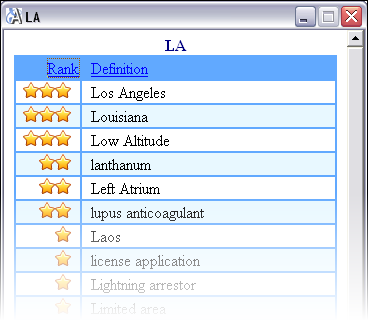
The search results will be shown in the definition window:
All the definitions of the acronym are sorted by the Rank. The more common the definition used the more stars are in the Rank column.
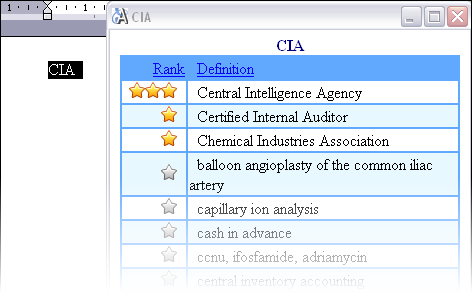
Quick search option allows you to find the definition of the selected acronym. For example, you can select the acronym in any other software and press the hot key, which can be adjusted at the Settings window and the acronym's definitions will be instantly shown in the definition window:
See Also: Export and import acronym' definitons
|